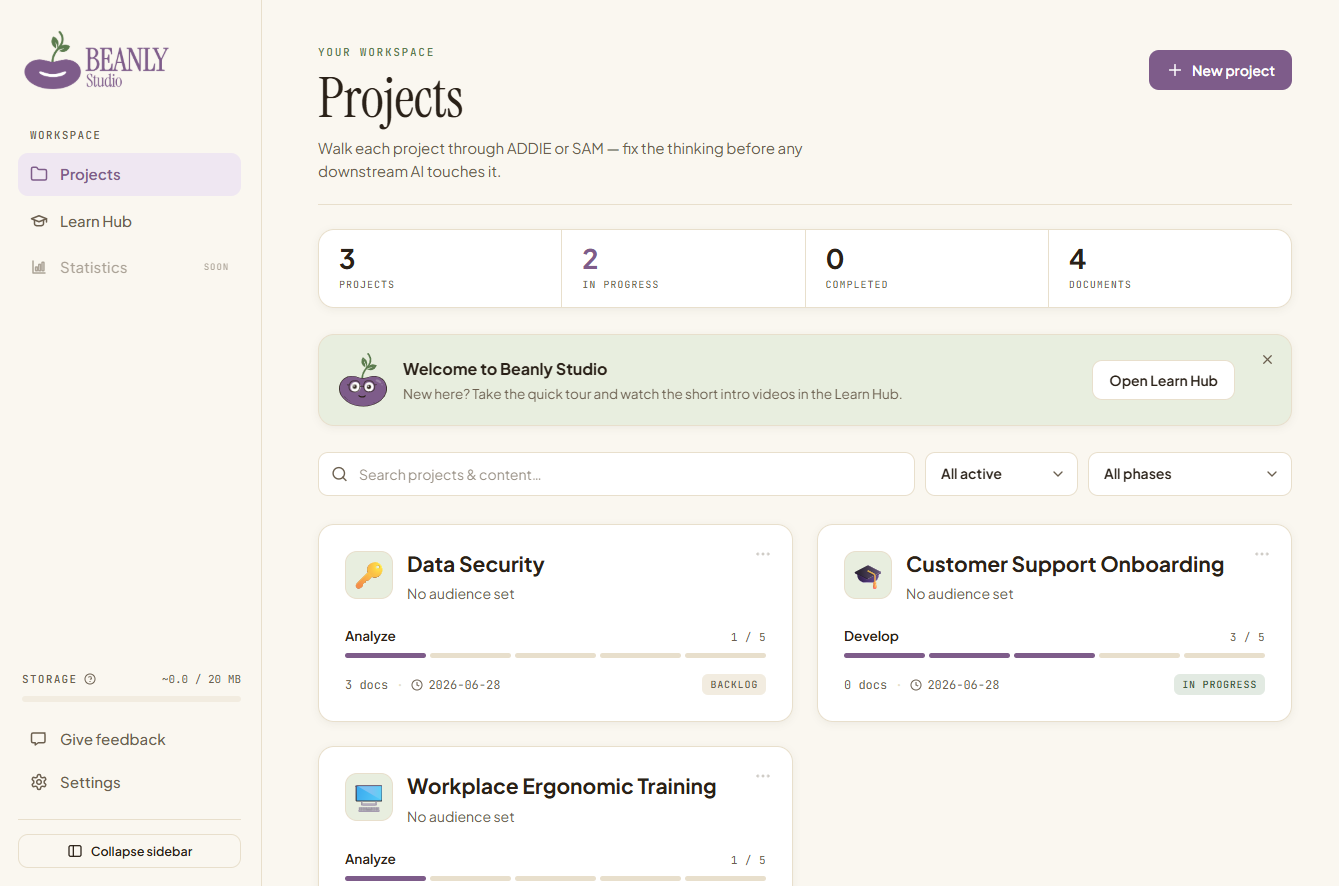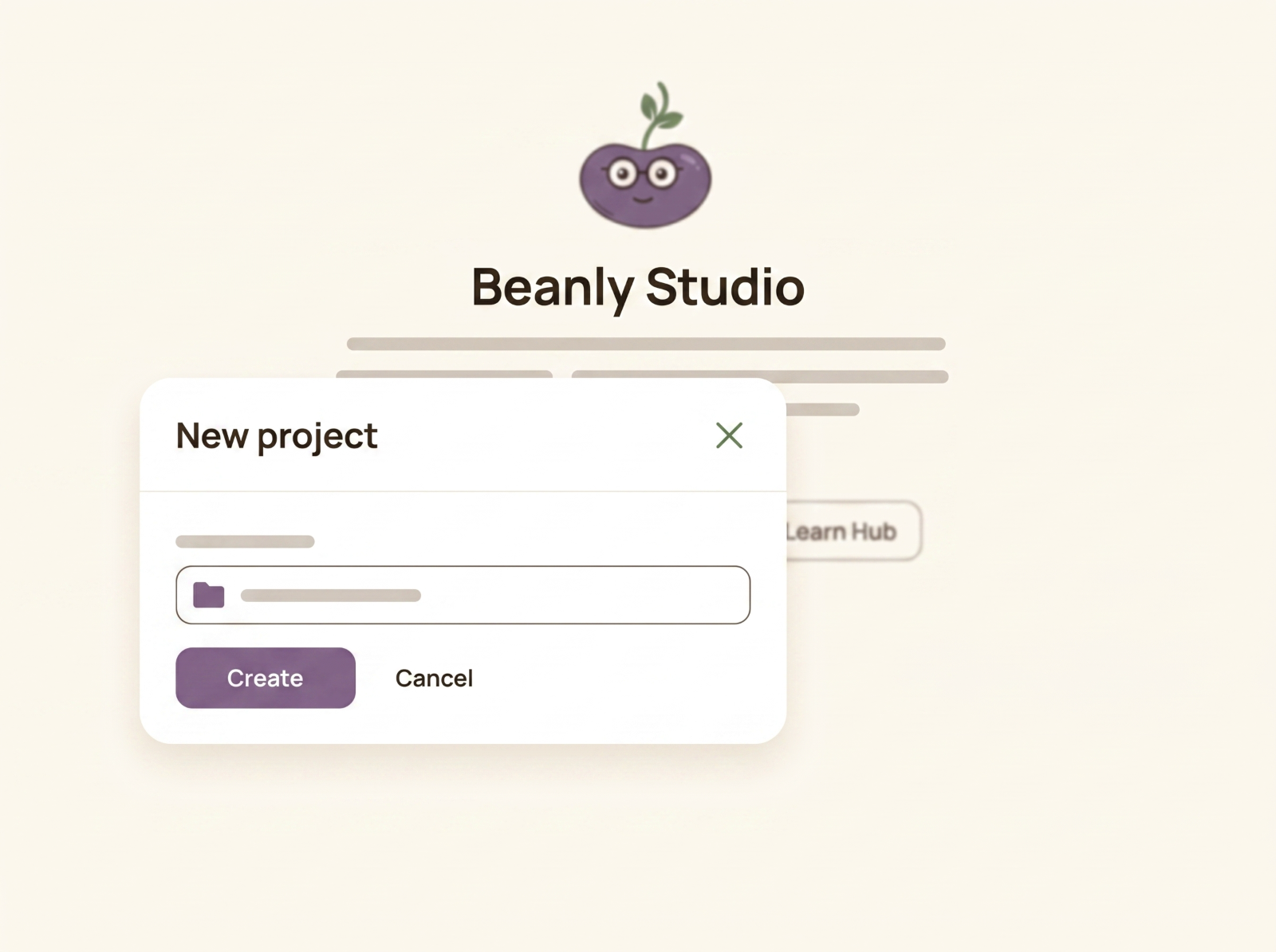
Beanly Studio walks you through the learning needs analysis and design decisions before you build — so when you hand the brief to Claude or any AI tool, it works from real context instead of guessing.
Most AI learning tools jump straight to generating content. Beanly starts one step earlier — with the thinking that decides whether any of it is worth building.
Audience, behaviour, goals, constraints. Beanly asks the questions a good instructional designer would, before a single slide exists.
Coming soonWork the way you already think. Beanly structures the project around a real instructional-design process, not a generic chatbot prompt.
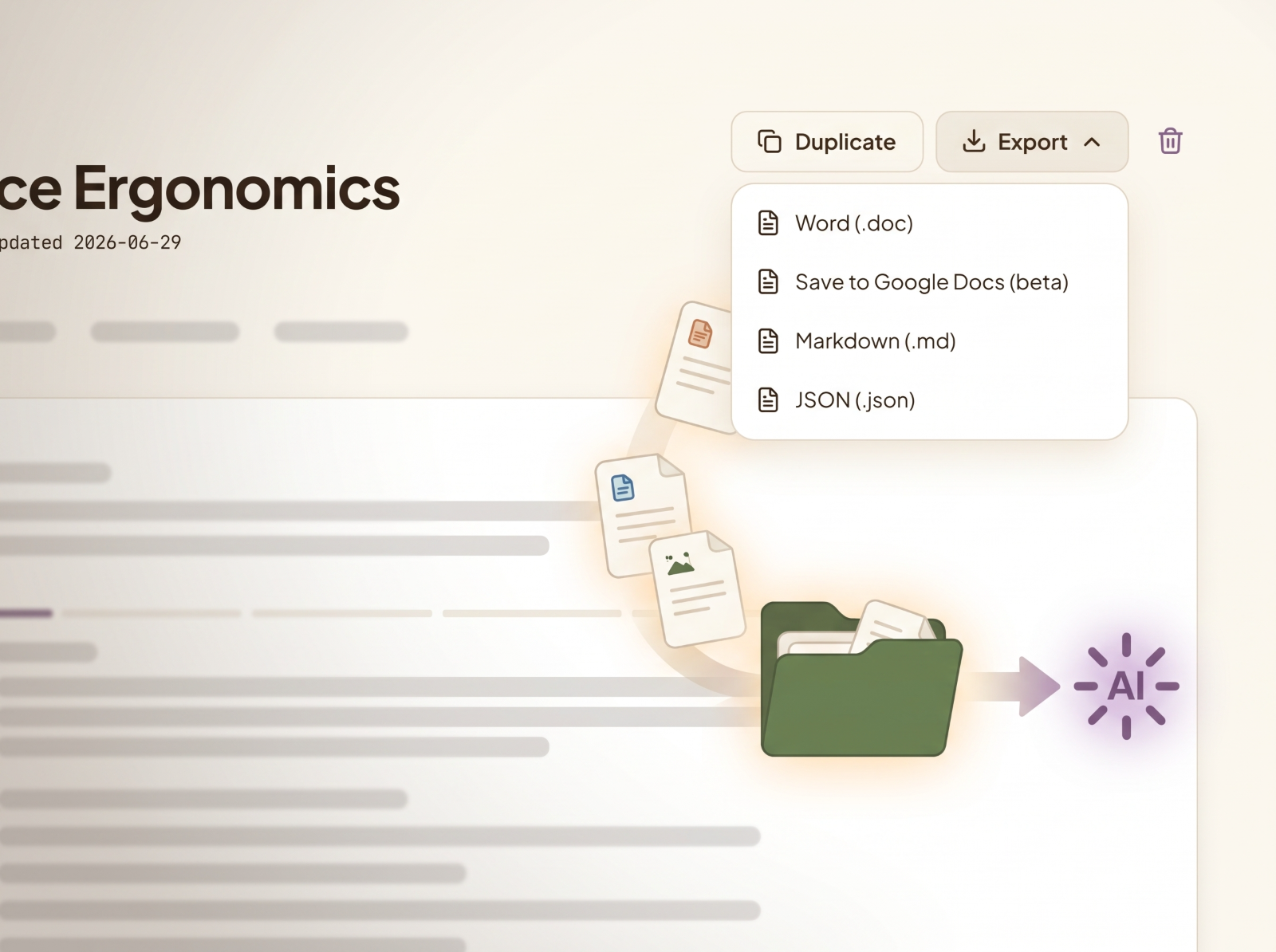
Coming soonExport a brief that carries real context into Claude or any AI tool — so what comes back is usable, not a generic first draft.
Coming soonShort walkthroughs are on the way — a quick tour of the studio and how a project moves from blank page to a brief AI can actually use.
Name the training challenge and who it's for. Beanly sets up the workspace around your framework of choice.
Answer Beanly's questions on audience, behaviour and goals. This is the part that makes everything downstream better.
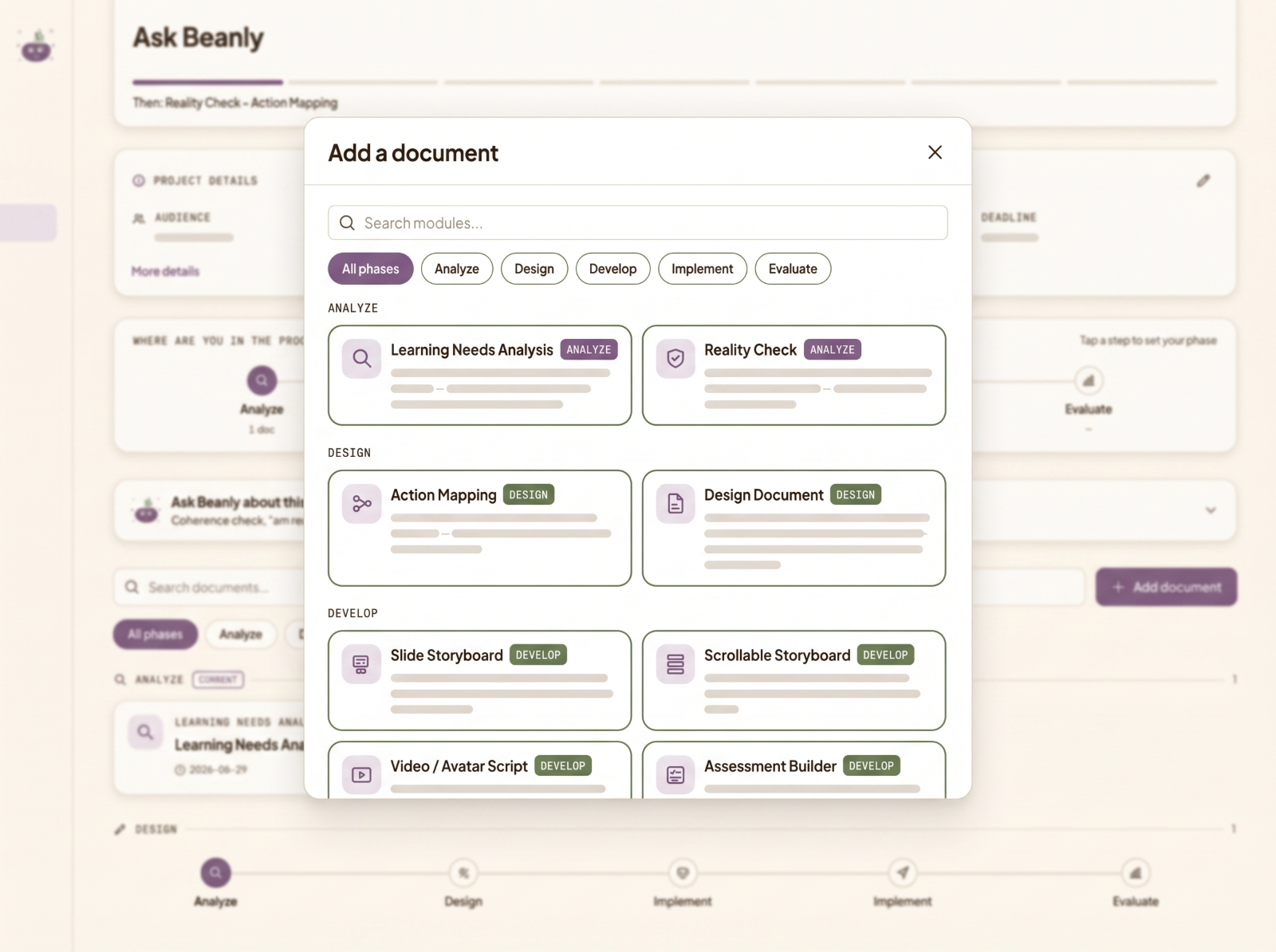
Turn the analysis into clear design decisions — structure, approach, what to build and what to cut.
Export a context-rich brief and build with Claude or any AI tool. Good analysis in, genuinely good learning out.
A free workspace for the thinking that comes before you build a training: the analysis and design. You work through it with Beanly, a built-in AI coach, and come out with clean, structured documents you can hand to any AI build tool, or a person, to actually produce the course. Good inputs in, genuinely good learning out.
You can, but the output is only as good as what you feed it. A knowledge-base article isn't a learning design, and a vague request isn't a needs analysis. Beanly Studio gets that groundwork right first, so when you take it into Claude, Claude Design or any other AI tool, you're handing over real context instead of guesswork. That's the difference between polished noise and learning that actually works.
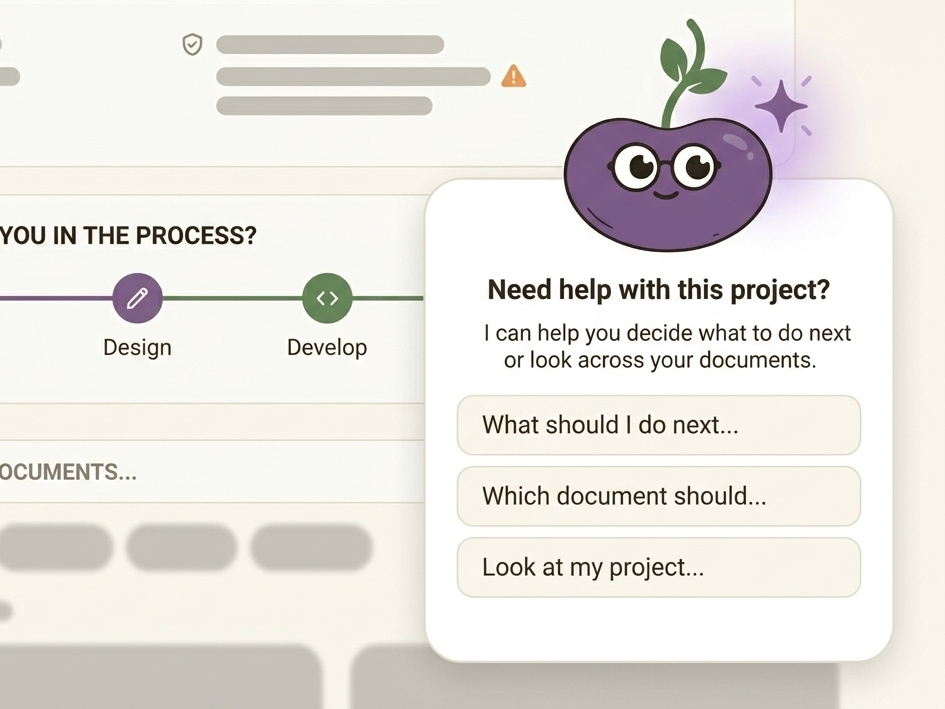
Beanly is the coach inside the tool: a friendly guide that walks you through each step, asks the questions a good instructional designer would, and pushes back when something doesn't add up. If you're newer to L&D, Beanly helps you not skip the parts that matter most.
Until now this work got scattered: a Word template for the needs analysis, a separate tool for the action map, a folder somewhere for the storyboard, all copied around and easy to lose track of. Beanly Studio keeps the whole analysis-to-design flow in one place, structured and consistent, so nothing slips through.
No. Beanly is a thinking partner, not a replacement for judgement. It structures your analysis and challenges weak inputs, but the decisions and the craft stay yours. If anything, it frees you up for the parts only a person can do.
Beanly Studio itself is free — nothing to buy from me, nothing to install, no API keys. It runs inside your own Claude account, so the only thing in play is your Claude plan: the free tier lets you try it, and a Claude subscription is what lets you save your work across sessions. More on that next.
You can open Beanly and use the coach on free Claude. For real work, Pro is the honest recommendation: saving your projects across sessions needs persistent storage, which Claude provides on Pro and up, and the free tier's tighter limits can cut a longer session short. On free you can still work and export your project as a backup — on Pro it just saves as you go.
No extra cost from me, and no API keys. The coaching runs on your own Claude account and counts toward your plan's usage, not mine. It uses a fast, efficient Claude model, so it's light — but a long session draws on your plan like any other Claude use.
Everything you enter stays in your own Claude storage, private to you — nothing is sent to me or any third party beyond Claude itself. You stay in control, and you can export your work as a backup any time (also how free-tier users keep their work between sessions).
Yes. It's a single, open Claude Artifact. If you want to change something, you can ask Claude to adjust your own copy, and the original stays exactly as it is. No lock-in.
Soon. It's in early access now with a small group of testers — you can request a spot below. This page is where the launch link and walkthroughs will appear first.
Beanly Studio is still early — and before it opens to everyone, I'm letting a small group of instructional designers in to test it and shape where it goes. If you're up for rough edges and honest feedback, I'd love to have you in.
Request early access